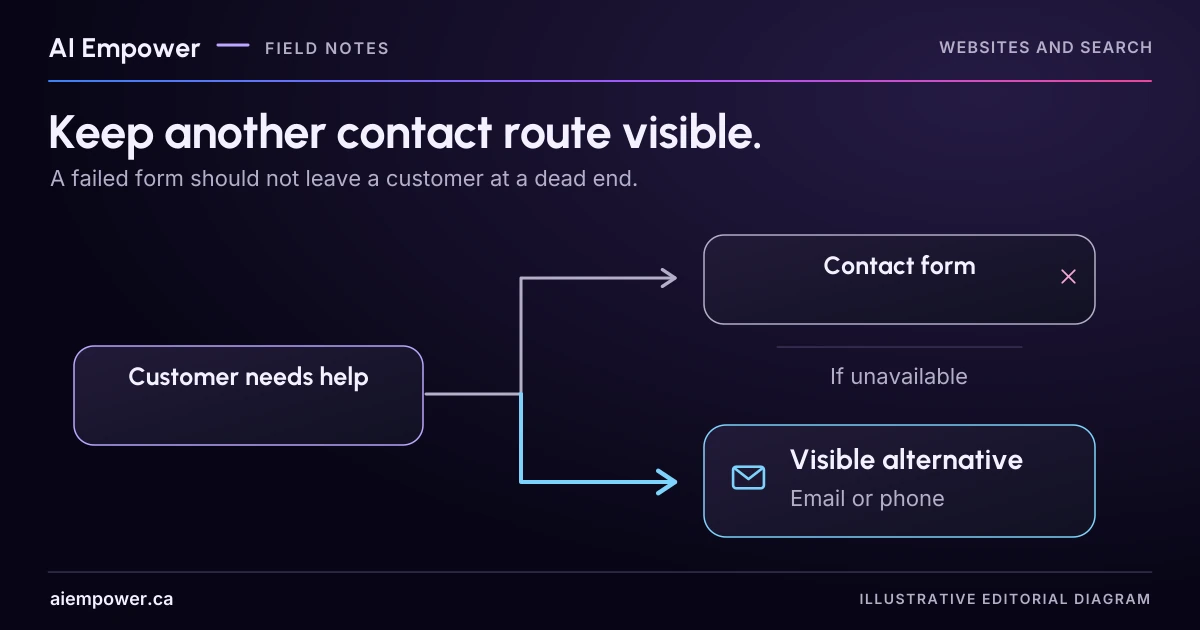
Map contact-route dependencies and rehearse failure messages that say what is known, what is uncertain and how a customer can continue.
A visitor has written a careful enquiry, pressed Send and received an error. Your contact page still says “We would love to hear from you.” What can they actually do next?
A useful fallback gives the visitor a route that works, explains what happened to the attempted submission and leads to someone who owns the next step. Start by tracing those three things. Adding a second button helps only when its dependencies differ enough to survive the failure you are considering.
This is a planning exercise for ordinary business enquiries. The business, routes and incidents below are fictional. Use the worksheet without disabling your real form or sending a flood of test messages.
Draw the route all the way to a person
Imagine a small exhibition-printing business. Its website form passes an enquiry to a form service, which creates a record and emails the intake team. The page also shows a business email address and a telephone number.
At first glance, that looks like three independent contact methods. The email address and the form notification may reach the same mailbox. If that mailbox becomes inaccessible, both routes lose their usual staff destination. A phone number is useful only if calls reach a staffed line or a monitored voicemail with a clear owner.
Write one line for each route:
| Route | What it depends on | Who checks receipt | What the visitor can see |
|---|---|---|---|
| Website form | Page, form service, record store, notification | Intake coordinator | A reference only after confirmed receipt |
| Business email | Mail service and monitored inbox | Intake coordinator or backup | Address and actual staffed hours |
| Telephone | Phone provider and staff or voicemail | Duty colleague | Number, hours and what voicemail does |
These entries describe a fictional design, not a verified contact plan. For your own version, add the exact route, authorised test method, last receipt check and backup owner. Leave untested dependencies marked unknown.
Rehearse three failures on paper
The form will not load. The visitor has not submitted anything. Keep the alternative contact details outside the broken component so a form error does not hide them too. A suitable message might be: “The enquiry form is unavailable. You can contact our team using the email or telephone details below.” Show only routes you have verified and can support.
The submission was rejected. The system has reliable evidence that no request was accepted. Say that clearly, retain the visitor’s text where the approved design allows it and explain how to try again or use another route. Avoid exposing their text in an error URL or a general analytics event.
The response timed out. The request may have reached the business, but the page cannot confirm it. “Your enquiry failed” may be as misleading as “Your enquiry was received.” Use an uncertainty message: “We could not confirm whether your enquiry was received. Please use the contact details below and mention that you tried the form.” If your system provides a reliable reference, include it; never manufacture one.
The exact retry and duplicate-handling behaviour needs implementation review. A page that automatically retries in the background while telling the visitor to submit again can create a new problem.
Make the alternative visible at the difficult moment
Place contact alternatives near the form and repeat the relevant route in the error state. A visitor should not need to dismiss the error, return to the homepage and hunt for a footer.
Check whether the message is understandable without a colour change or an icon. W3C’s form-notification guidance covers clear success and error feedback. Use it when implementing the message, then verify the actual keyboard and assistive-technology experience. Merely writing helpful copy does not establish that the site announces it correctly.
Do not promise “a reply within an hour” because the error message needs a reassuring ending. Use actual staffed hours and an approved response commitment, or explain the next step without inventing a deadline. Do not describe an ordinary contact route as an emergency service.
Fill in a fallback card
Choose one fictional or approved low-sensitivity enquiry and complete these fields:
- Visitor’s task and ordinary contact route
- Failure being rehearsed and whether receipt is known, rejected or unknown
- Alternative route and the dependencies it avoids
- Customer-facing message, including any genuine service-hours limitation
- Staff owner and backup who will check the alternative route
- How staff reconcile a possible duplicate without losing the original question
- Evidence needed to restore the ordinary route and remove the temporary message
Then ask a colleague to read only the failure message. Can they tell what happened, what remains uncertain and how to continue? If they infer a confirmed booking, receipt or response deadline that the evidence does not support, rewrite it.
Week 28 · interactive local candidate
Plan a route through failure
Fictional local practice v1. Nothing is sent, saved between visits, verified with a real business, approved for release or published. No network requests, analytics or persistent storage. Use invented, low-sensitivity entries only; do not enter passwords, payment details or private customer information.
Trace an exhibition-printing enquiry all the way to a person. This rehearsal changes fictional dependencies only. It does not disable a form, open an email app or contact anyone.
Customer-facing planning copy
The enquiry form is unavailable. Nothing has been submitted in this scenario. No alternative has a current simulated receipt check for this scenario. Do not invent a working route, receipt, reference or response deadline. Resolve a staffed alternative before using this plan. Planning copy only. No real receipt or route verification; no automatic retry or actual message is sent.
Week 28: Plan a route through failure
Fictional local practice v1. Nothing is sent, saved between visits, verified with a real business, approved for release or published. No network requests, analytics or persistent storage. Use invented, low-sensitivity entries only; do not enter passwords, payment details or private customer information.
All observations and checks below are fictional or reader-reported; none independently verified.

Visitor task: An ordinary fictional enquiry about exhibition printing.
Ordinary route: website form → form service → record store → notification / intake mailbox → intake coordinator.
Incident: Form will not load
Selected failed dependencies: Form service
Receipt state: nothing submitted in this scenario

Route map:
Website form
Dependencies: Website page → Form service → Record store → Shared mail service / intake inbox → Staff / monitored voicemail
Path state: Form service
Visitor display: A reference only after confirmed receipt
Owner: Intake coordinator; backup: [missing]
Authorised fictional test method: [missing]
Fictional date: [missing]
Observation: [missing]
Hours / limitation: No response deadline or staffed hours verified
Simulated check: not current / not recorded
Evidence gaps: backup is missing; method is missing; date is missing; observation is missing

Business email
Dependencies: Shared mail service / intake inbox → Staff / monitored voicemail
Path state: No selected dependency failure; still requires current simulated evidence.
Visitor display: Fictional address: enquiries@example.com
Owner: Intake coordinator or backup; backup: [missing]
Authorised fictional test method: [missing]
Fictional date: [missing]
Observation: [missing]
Hours / limitation: No response deadline or staffed hours verified
Simulated check: not current / not recorded
Evidence gaps: backup is missing; method is missing; date is missing; observation is missing

Telephone
Dependencies: Phone provider → Staff / monitored voicemail
Path state: No selected dependency failure; still requires current simulated evidence.
Visitor display: Fictional telephone route; no dialable number supplied
Owner: Duty colleague; backup: [missing]
Authorised fictional test method: [missing]
Fictional date: [missing]
Observation: [missing]
Hours / limitation: No response deadline or staffed hours verified
Simulated check: not current / not recorded
Evidence gaps: backup is missing; method is missing; date is missing; observation is missing

Customer-facing planning copy:
The enquiry form is unavailable. Nothing has been submitted in this scenario.
No alternative has a current simulated receipt check for this scenario. Do not invent a working route, receipt, reference or response deadline. Resolve a staffed alternative before using this plan.
Planning copy only. No real receipt or route verification; no automatic retry or actual message is sent.

Duplicate handling: Ask about the existing attempt before retrying. Staff reconcile the possible duplicate without losing the original question.
Restore normal route / remove temporary message: [missing]
Warnings:
• No alternative currently has a complete simulated receipt check.
• A form record may exist even when its notification or shared mailbox fails. A blocked staff path does not prove rejection.
• The business-email and form-notification paths share the intake mailbox. A second button is not automatically an independent route.
• Page failure can hide alternatives placed on the same page. Plan an approved contact surface outside the failed component/page.
• No ordinary contact route is an emergency service. No automatic retry, made-up reference or unsupported response deadline.
• Restoration evidence and the owner who can remove temporary messaging are not defined.
Before real use: an authorised, clearly labelled single test must reach the intended owner; record date, route and observation without unnecessary content. A clickable mail link is not delivery evidence. Repeat relevant checks after provider, mailbox, telephone or staffing changes.
Use the text-only exercise
The complete unchanged manuscript remains readable if the controls are unavailable.
Return to Fill in a fallback cardCheck the destination before relying on it
With the route owner’s approval, send a single clearly labelled test through each real alternative and verify receipt at its intended destination. Record the test date, route and observation without retaining unnecessary message content. A clickable email link proves that an email app opened; it does not prove that the team received anything.
Repeat the relevant check after changing a form provider, inbox, phone arrangement or staffing owner. Your finished output is a small route map and a failure message the business can stand behind.
Review the route from your website to your team with AI Empower.
Primary sources checked 4 October 2026
Sources & review
Primary sources checked on . The checklists and planning examples are AI-assisted editorial guidance, not source quotations or reported client results.
This AI-assisted guide uses fictional examples for practice. It does not report client results or establish that a live system will behave the same way.
Originally published: .